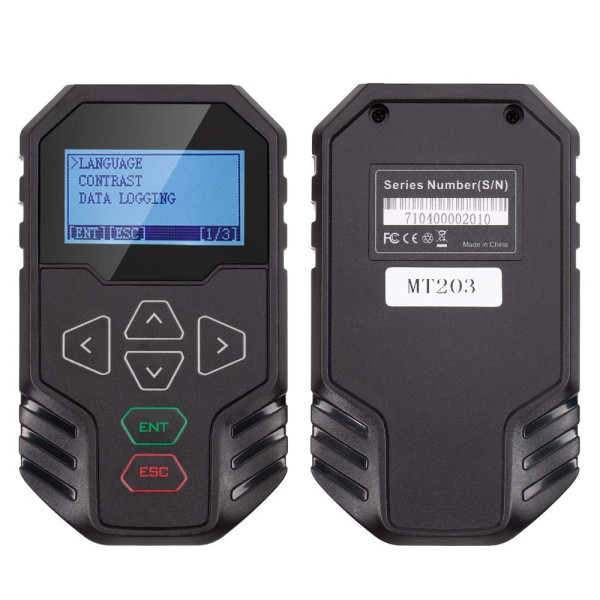



OBDSTAR MT203 CAN Driver Gateway Simulator Support Dash Audio Gear Lever AC Panel Bench Test Standard CAN CAN FD 2 Year Free Update
- Brand: Obdstar
- Product Code:OBDS-MT203
- Dimensions (L x W x H):17.00 x9.30 x6.00 (cm)
- Availability:In Stock
-
$65.00
Free shipping 7-18 work days by China post
DHL shipping 3-7 work days will arrive.
OBDSTAR MT203 CAN Driver & Gateway Simulator – Bench Test Dash, Audio, Gear Lever, AC Panel & More
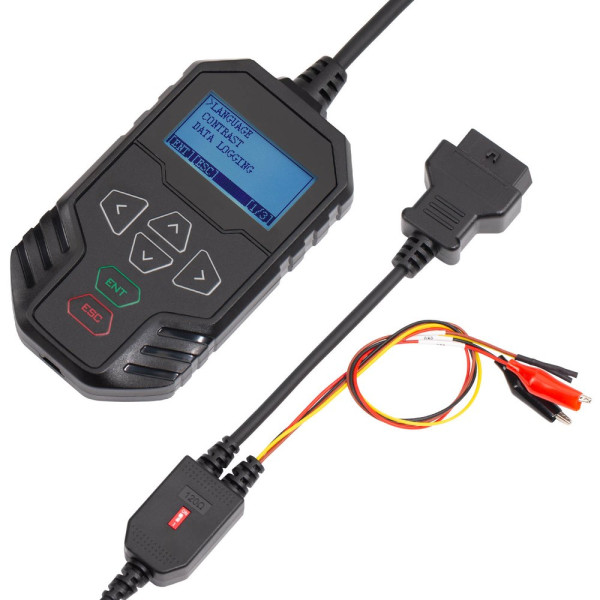
The OBDSTAR MT203 is a compact CAN driver and gateway simulator built for automotive electronics workshops. When a module (dashboard, radio, gear lever, AC panel, BCM, airbag ECU, or an EV component like a compressor, DCDC or on-board charger) is tested on the bench, the missing CAN bus messages from the rest of the car often stop it from waking up or responding. MT203 simulates the gateway or CAN driver side, so the module communicates normally during bench repair. It runs on a high-performance STM32H723 MCU and ships with 2 years of free updates.
Key Features
- Built on STM32H723 high-performance MCU for fast, stable operation
- Supports standard CAN, low-speed fault-tolerant CAN and CAN FD protocols
- Automatic scanning, manual baud rate selection and custom baud rate input – simulates many gateway types
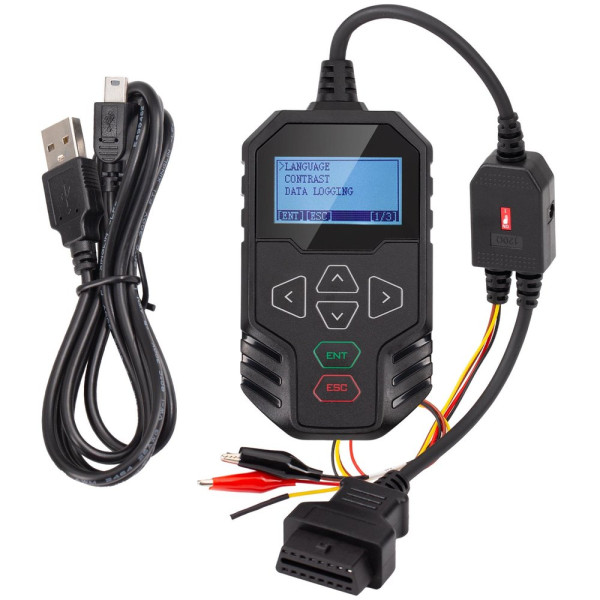
- Integrated design with a built-in 120Ω terminator switch – no extra resistors needed
- Simple, intuitive menu – easy to master even if it is your first CAN simulator
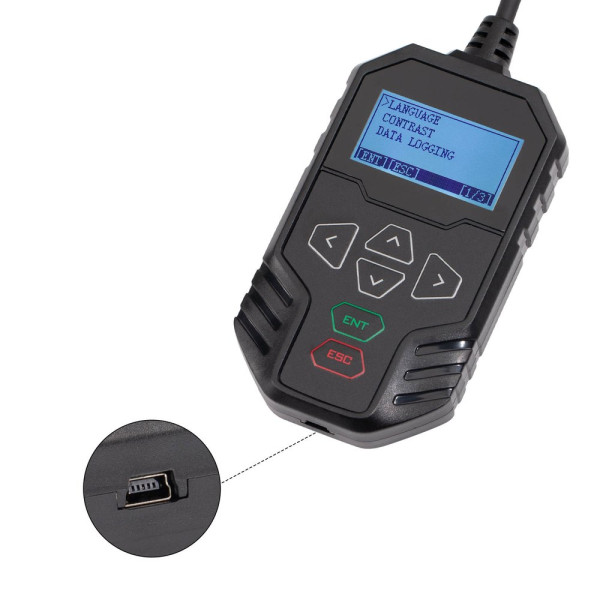
- Mini USB upgrade cable connects straight to the PC for one-key upgrade
Typical Bench Repair Scenarios
- Automotive ECU repair – simulate a gateway to run diagnostic tests by BENCH on airbag, dash, BCM and other modules
- Automotive ECU repair – CAN drive test by BENCH for dash, audio, gear lever, AC panel and other modules
- E-car component repair – gateway-simulation diagnostic tests by BENCH for compressors, DCDC converters, on-board chargers and more
CAN Drive Test – Supported Brands
Dash, audio, gear lever, AC panel and other CAN drive test functions are available for the following brands (and more):
Audi, Mercedes-Benz, BMW, Porsche, Ford, Jaguar, Land Rover, Lamborghini, Rolls-Royce, Volkswagen, Volvo, Dodge
Supported Protocols
| Mode | Baud rates |
| Standard CAN / Standard CAN | 500K/250K, 500K/125K, custom baud rate |
| Standard CAN / Fault-tolerant CAN | 500K/83.3K, 500K/100K, 500K/125K, 125K/125K, custom baud rate |
| Standard CAN / CAN FD | 500K/5M, 500K/2M, custom baud rate |
Note: FlexRay is not supported. CAN FD does not support automatic scanning – set the baud rate manually.
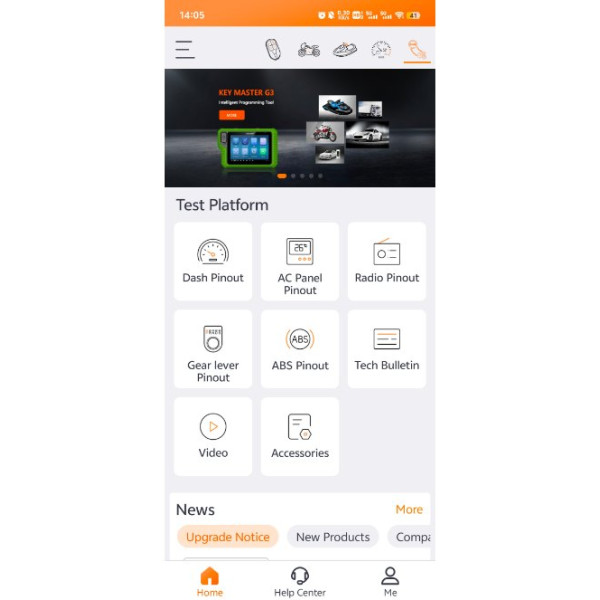
Wiring Diagrams in the OBDSTAR APP
Download the free OBDSTAR APP from the Apple App Store or Google Play to get CAN driver wiring diagrams for dash, gear lever, radio and more (see gallery images for APP screenshots).
Frequently Asked Questions
Q: What is the OBDSTAR MT203 used for?
A: It simulates the CAN bus / gateway signals that a module expects to see from the vehicle. On the bench, many modules refuse to wake up or communicate without those signals – MT203 replaces them so you can test and repair dashboards, radios, gear levers, AC panels, airbag/BCM ECUs and EV components outside the car.
Q: Which vehicles are covered for CAN drive testing?
A: Audi, Mercedes-Benz, BMW, Porsche, Ford, Jaguar, Land Rover, Lamborghini, Rolls-Royce, Volkswagen, Volvo and Dodge, among others. Contact us to confirm your specific module.
Q: Why does automatic scanning fail on my module?
A: Check these points: (1) make sure the diagnostic instrument and ECU are wired correctly and the ECU is powered before scanning; (2) if an ECU sits powered without communicating for a while it may enter sleep mode – power-cycle it and retry; (3) some ECUs never send CAN signals actively – set the device manually; (4) CAN FD does not support automatic scanning – configure it manually.
Q: When do I need to switch the 120Ω resistor on?
A: If the ECU itself does not include a 120Ω terminating resistor, switch the MT203 resistor switch to ON so the CAN line communicates properly. If the ECU already has one, keep it OFF.
Q: Is FlexRay supported?
A: No, FlexRay is not supported. Standard CAN, fault-tolerant CAN and CAN FD are.
Q: How do I update the MT203?
A: Download the one-click upgrade tool, connect the device to your PC with the included Mini USB cable and upgrade. 2 years of free updates are included.
Package Includes
- 1pc × OBDSTAR MT203 main unit
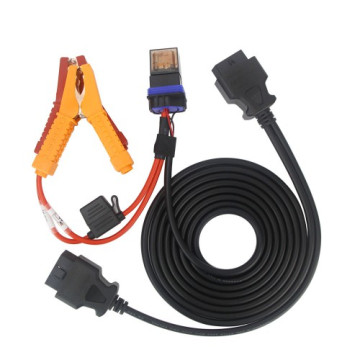
- 1pc × Mini USB upgrade cable
Specifications
| MCU | STM32H723 high-performance processor |
| Protocols | Standard CAN, low-speed fault-tolerant CAN, CAN FD |
| Terminator | Built-in 120Ω resistor switch |
| Upgrade | Mini USB, one-key upgrade (2 years free) |
| Weight | 0.3 kg |
| Package size | 17 cm × 9.3 cm × 6 cm |
You May Also Need
- OBDSTAR RH850/V850 Adapter Full Kit – bench IMMO data, pincode reading and airbag reset for RH850/V850 MCUs
- OBDSTAR X300 Classic G3 – full IMMO and diagnostic platform that pairs with OBDSTAR bench adapters
Note: Supported modules and functions keep expanding with software updates. Contact us with your module part number to confirm compatibility before ordering.
Tags: obdstar mt203, can driver, gateway simulator, ecu bench test, can fd

OBDSTAR X300M Special for Odometer Adjustment and OBDII
$209.00 $319.00

OBDSTAR X300 Pro 4 PAD IMMO System Key Programmer
$889.00 $1,009.00